
08:00Walk
See your whole day on one map.
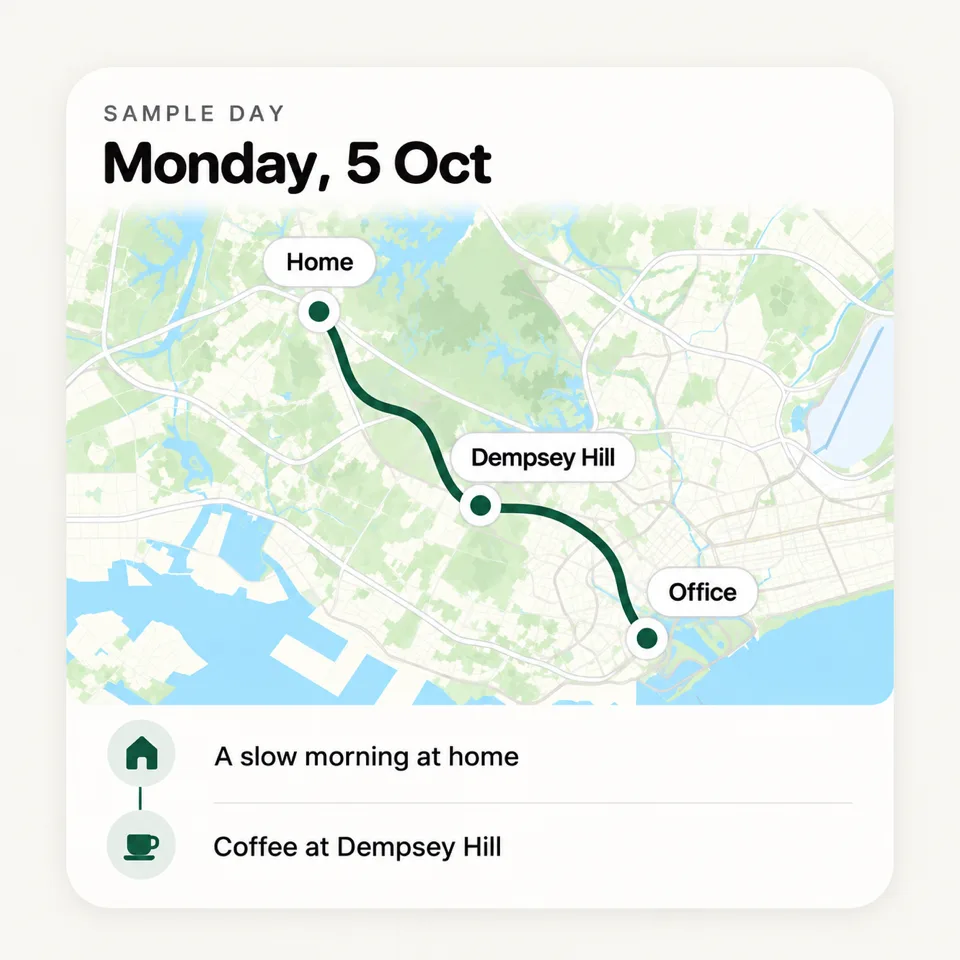
Trace draws each route on the map. The line shows how you moved. Each evening, Trace writes a short story of your day.
You can add notes and photos. You can also correct a stop that is not correct.
 trace
traceA MOVEMENT JOURNAL FOR IPHONE
Trace records the places you go and the routes you take. Your journal stays on your iPhone.
Available soon on the App Store
 traceSample day
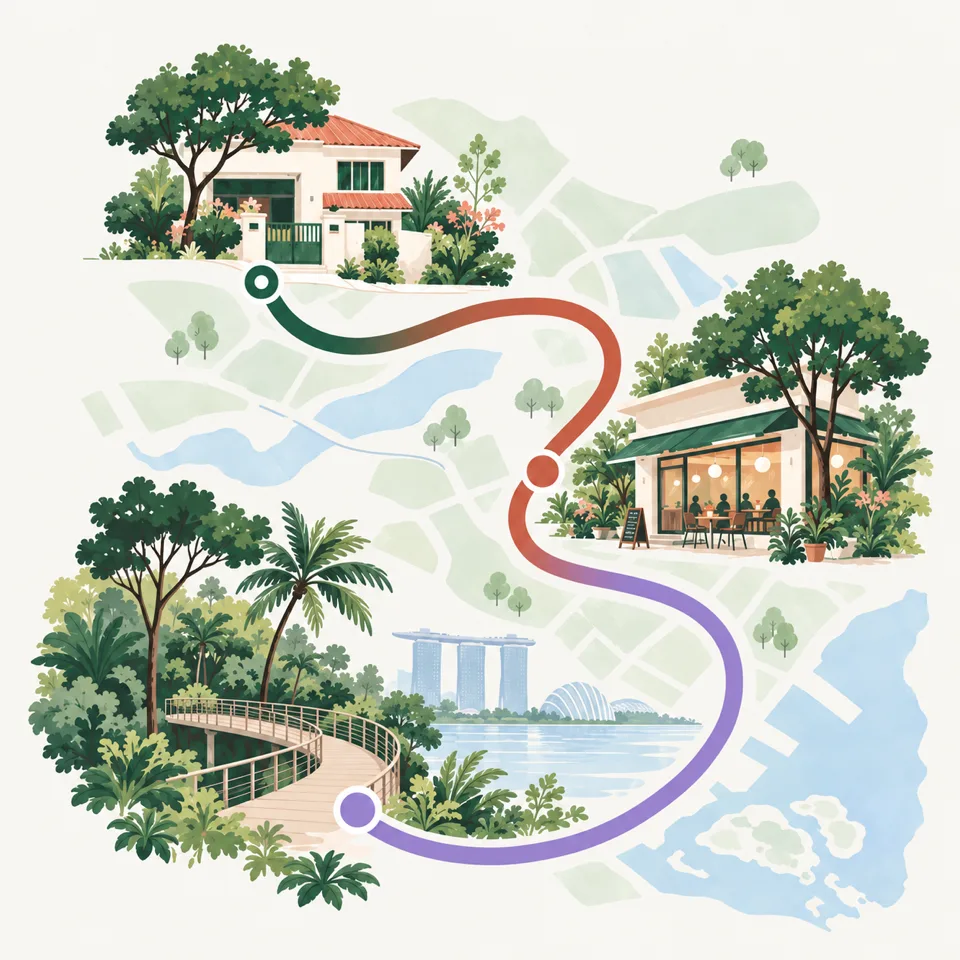
Touch a colour to see that part of the day.
Each colour is one way that you moved. Each part shows its time in the day. This page follows the same day, from the first walk to the evening at home.
Trace draws each route on the map. The line shows how you moved. Each evening, Trace writes a short story of your day.
You can add notes and photos. You can also correct a stop that is not correct.
Open a day, a week, a month or a year. Each day keeps its memory card, with its notes and photos.
Move the slider to go back in time. The map shows where you were and when.
Trace finds the places that you go to frequently. See how frequently you go and when you usually arrive.
Make a place private, and Trace keeps only a pin for it. Your exact location is not stored, synced or exported.
A quiet day at home does not remove progress. As you go to new streets, your explored map fills in.
On iPhone Duo, open the phone to see the map and your day side by side. Close it, and Trace shows one column on the outer display.
IPHONE DUO REQUIRES iOS 27
23:00 · RECORDING PAUSED
You should not have to trust a company with your location history. With Trace, you do not have to. We do not receive your journal, so we cannot read it, sell it or lose it in a data breach.
Trace encrypts your journal on your device. We do not operate servers that receive your journal. We cannot read it.
Trace records nothing until you tap Start recording. You can pause it from the app, the widget, the Lock Screen or Siri.
You do not sign in. We do not sell your data or track you across other apps. iCloud sync and analytics are off by default.
REQUIRES iOS 18.0 OR LATER
Pause or start the recording from your Home Screen.
See on your Lock Screen when the recording is paused.
Say “Get my day summary in Trace”.
Optional and encrypted. It is off by default.
No. We do not operate servers that receive your journal. Your journal stays on your iPhone, or in your own iCloud account if you turn on iCloud sync. Trace encrypts it before it leaves your iPhone. Optional analytics never include your locations, routes, places, notes or photos.
No. Trace uses the low-power location service of iOS. With the Always permission, Trace uses this service to fill in your full day.
No. Trace records nothing until you tap Start recording. With the While Using permission, Trace records only when the app is open. You can pause Trace at any time, also from the Lock Screen.
No. You do not need an account, and you do not sign in.
Yes. In Settings, tap Erase Journal. This erases every day, place, route, memory and saved place.
More answers are on the support page.

Install Trace and tap Start recording. Tonight, your day is on the map.
Available soon on the App Store